
SynchroNet Tips & Tricks
Top 7 IT Support Questions from Buffalo-Based Companies (Answered!)

Here’s a shocker: during peak lake-effect weeks, some Buffalo teams see ticket volume jump by more than 30%, according to service desk logs from regional MSPs. This surge highlights common issues—network readiness, remote access problems, and unclear ownership. This guide offers clear, field-tested steps you can apply right away. We wrote this for tech leads…
Read MoreHow to Stop Microsoft Edge from Opening on Startup
Did you know 60% of Windows users say that unexpected software launches slow their morning routine? This can feel frustrating when your PC decides to open Edge on its own. Many people prefer to trim down their boot process. It helps them jump right into work without extra distractions. Turning off Edge at startup can…
Read MoreUnlock Windows 11 Group Policy Editor Tips
Did you know that close to half of all Windows 11 users miss out on powerful settings? These settings can boost efficiency and security. Many rely on quick installs and default configurations. But those who use the windows 11 group policy editor get a more fine-tuned experience. The group policy editor for windows 11 lets…
Read MoreFix: App Blocked for Your Protection Guide

Every day, over 300,000 new harmful software threats are reported worldwide. This is why Windows works hard to protect you from unverified files. User Account Control and Microsoft Defender SmartScreen warn you about unknown programs. They help block harmful apps. If you’re on a managed system, your workplace’s rules might also block apps. This guide…
Read MoreActivate Your PC’s Mic Easily | How to Turn on Microphone on Computer

Did you know almost one in four people forget to unmute their mic during online chats? This can cause confusion and missed chances. A working mic ensures your voice is heard in every call, class, or interview. This guide explains why your computer’s mic is important. It also shows how small issues can cause big…
Read MoreEssential Guide to Input Devices | Tech Made Easy.
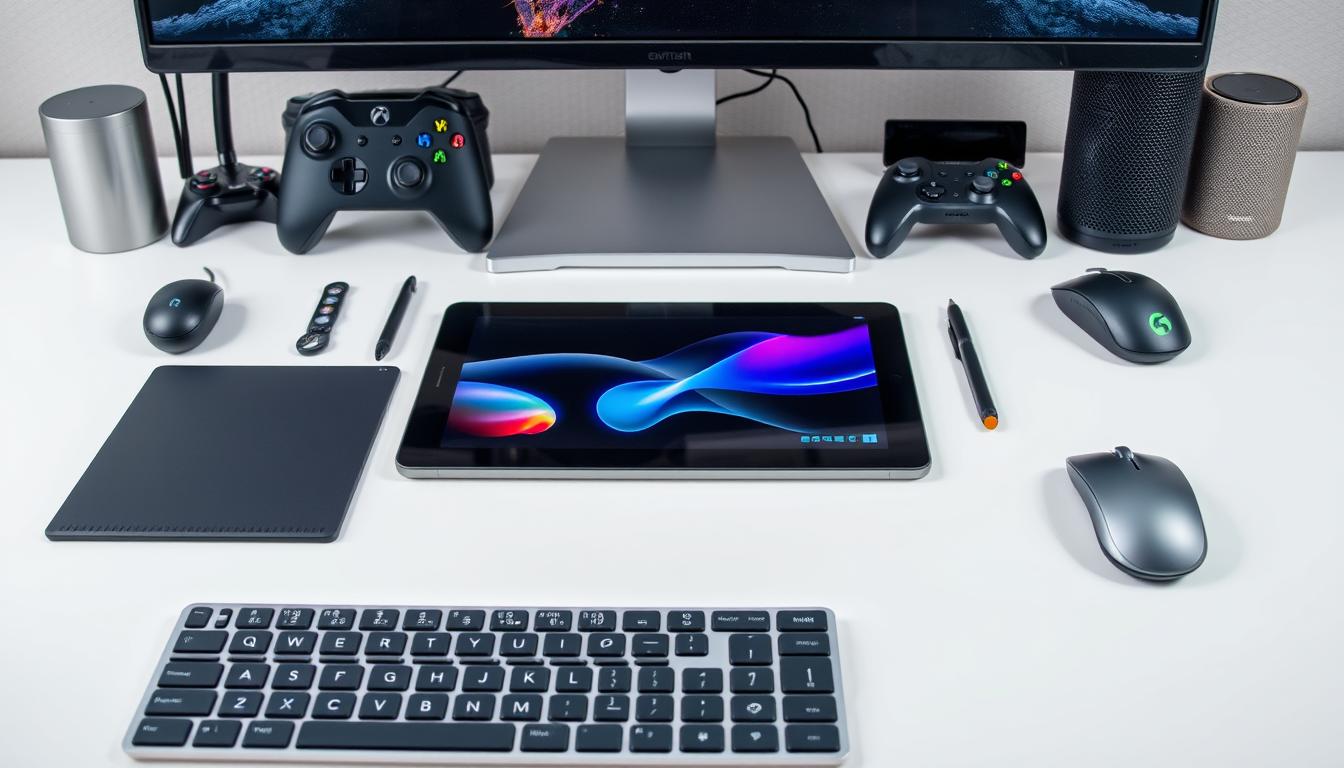
Did you know over half of all daily computer tasks rely on input devices? This shows how vital they are for anyone using a PC, laptop, or mobile device. So, what is an input device? It’s any hardware that lets you send data or commands to a computer. Keyboards and mice are common, but microphones…
Read MoreUnlock Chrome’s Performance with Chrome Task Manager
Did you know Chrome is used by over 60% of people worldwide? This huge number makes the Chrome Task Manager very important for a smooth browsing experience. The Chrome Task Manager assigns each tab, extension, and background task its own process. This helps prevent crashes. You can find memory leaks, identify bloat, and manage tasks…
Read MoreUnraveling the Mystery of Winmail.dat Files: What Is Winmail.dat

Did you know that one in ten email attachments can be a winmail.dat file? This fact puzzles many people every day. They often ask: winmail.dat what is it, and how do you open winmail dat? So, what is winmail.dat and why does it show up in your inbox? It usually comes from Microsoft Outlook’s formatting…
Read MoreMicrosoft Teams Tips: 18 Essential Tips

Microsoft Teams is a powerhouse in the world of corporate collaboration and meeting applications. We can help you benefit from this service whether your workforce operates from the office or remotely. Teams is a Microsoft tool that seamlessly integrates into your business, regardless of size. Teams offers features to help streamline work, including the ability…
Read MoreKeep Your Smartphone Secure With These Measures
There is no question that the arrival and consistent progress of mobile technology has greatly elevated our ability to conduct business. From a productivity and operational point of view, taking full advantage of mobile technology makes perfect sense, but this effort can backfire if mobile security risks and threats are not properly addressed. When you…
Read More